
How to Share Screenshots as Links with CleanShot X
Upload a screenshot, get a link, paste it into Slack. No upload wait, no file size limits, no attachments buried in thread history. CleanShot X's cloud sharing keeps everything fast and accessible.

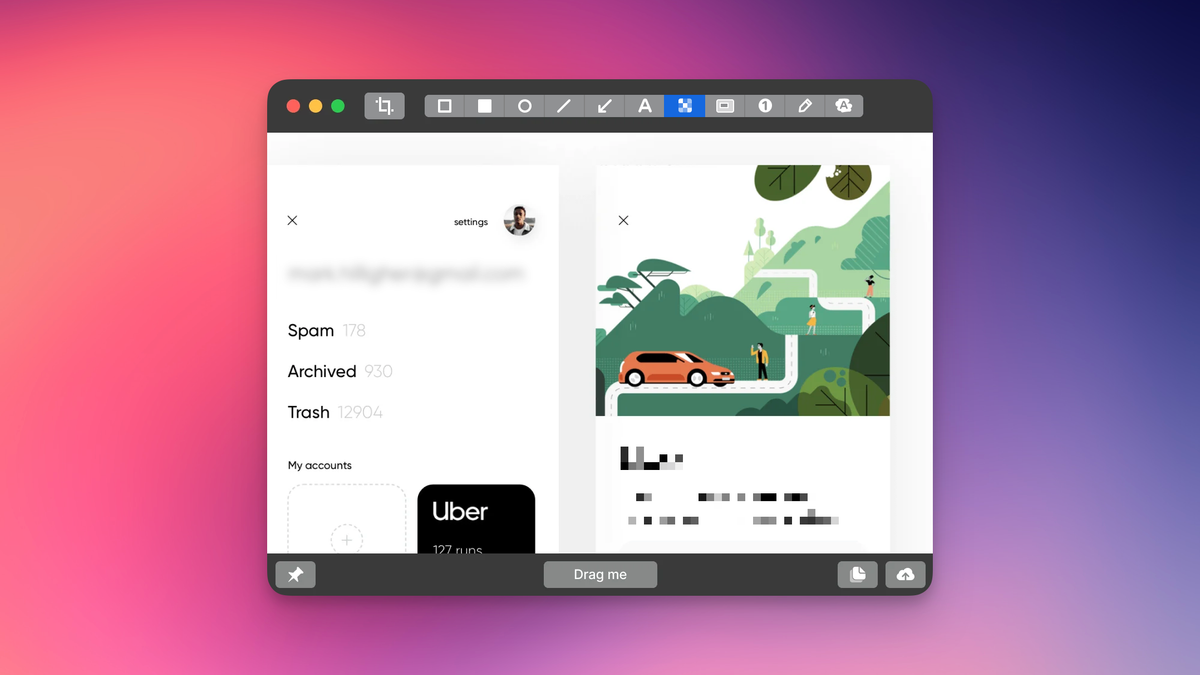
Dragging a screenshot into Slack and waiting for it to upload breaks your flow. CleanShot X lets you upload to cloud storage and paste a link instead. The recipient clicks it, sees the full-resolution image in their browser. No upload wait, no file size warnings, no attachments buried in thread history.
I use this constantly for bug reports and quick team communication. Someone asks where a setting lives, I screenshot the page with the button highlighted, upload it, paste the link into Slack. Done before they've finished typing their follow-up question.
It works for recordings too. Screen recordings with click and keystroke overlays become shareable URLs. When I need to show a workflow, like how to configure something or reproduce a bug, I record it with CleanShot, upload, and share the link. Here's an example: https://share.cleanshot.com/zw1dbTPrjnjymTR3nM1Y. The recipient doesn't need to download anything, it plays in their browser.
My setup: I turned off auto-upload so I can choose what goes to cloud storage. Sometimes you need a few attempts to capture something correctly, and I'd rather not fill up storage with failed takes. After a capture, CleanShot shows a preview. If it looks right, I click upload. If not, I retake it. The link copies to clipboard once the upload finishes.
For anything confidential, you can set link expiration in the CleanShot preferences. I leave mine without expiration because most of what I share is internal documentation and bug reports that stay relevant.
One thing worth knowing: there's a file size limit on CleanShot cloud. I've never hit it in years of daily use, but it exists. If you're recording very long videos, you might run into it.
The real value is speed. Screenshot, upload, paste link, move on. No waiting for Slack to process a file, no "image too large" errors, no digging through channels to find that screenshot you shared three weeks ago. The link stays accessible.
I use this multiple times a day. Hope it's useful.