
How to Share Screenshots as Links with CleanShot X
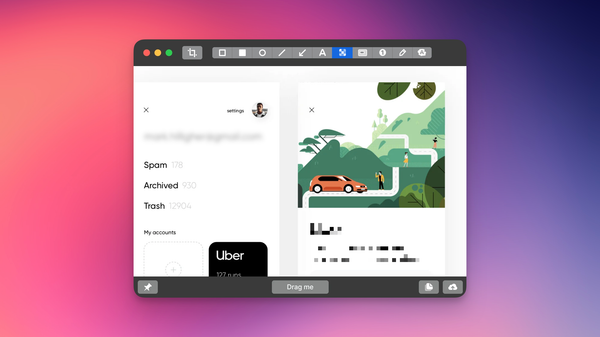
Upload a screenshot, get a link, paste it into Slack. No upload wait, no file size limits, no attachments buried in thread history. CleanShot X's cloud sharing keeps everything fast and accessible.
Free software that runs open source AI models locally on your computer. Unlimited access to models from OpenAI, Google, Meta, and others with no usage limits, no fees, and complete privacy.
Using SUS to evaluate a retail POS system taught me that the right metric at the right time gives you leverage, especially when users have a shared baseline for comparison.
A screenshot without context makes people work to understand it. I use CleanShot X's spotlight, arrows, and redact tools to make it obvious what I'm showing before I send it.
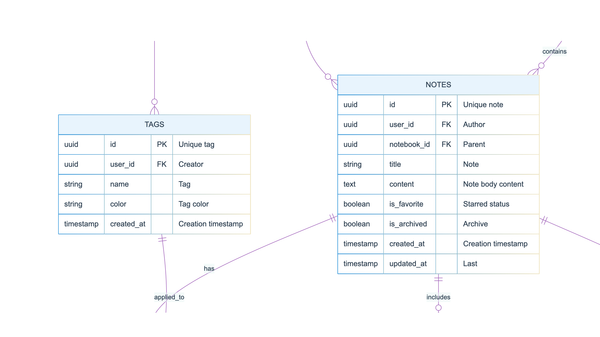
Using LLMs to generate entity relationship diagrams has changed how I work with data structure. What used to take weeks of back-and-forth with developers can now happen in a single conversation — giving you both readable code and visual diagrams you can actually use.
Transform Chrome Recorder's JSON workflows into visual Mermaid diagrams using Claude. Capture every click, scroll, and interaction—then make that granular detail visible and useful for UX analysis.
I use CleanShot X's OCR to grab text from screenshares, error messages, and locked PDFs without retyping. Select the text on screen, and it copies to your clipboard. Simple, but it saves more time than you'd expect.
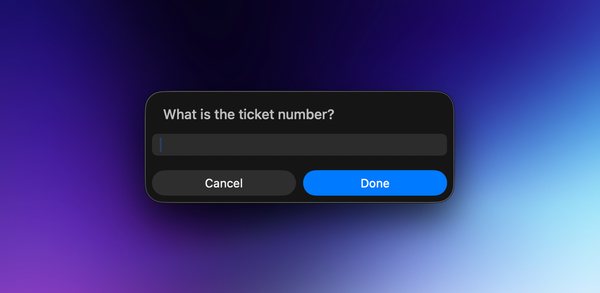
A two-second workflow for jumping to Jira tickets using Spotlight and an Apple Shortcut. No more browser tab hunting.
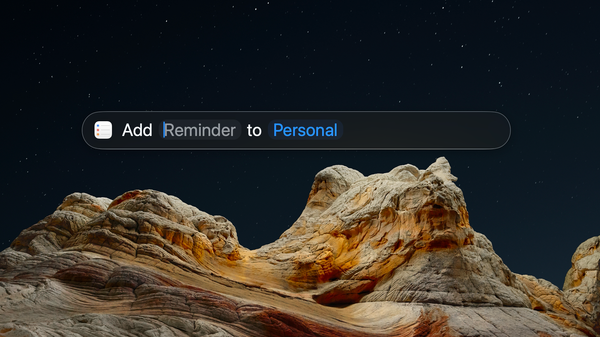
A two-second keyboard sequence for capturing ideas during calls. No app switching, no breaking flow. Everything lands in Reminders to sort later. The capture has to be immediate, or it doesn't happen at all.
Chrome Recorder isn't just for QA testing. I use it to create precise workflow documentation that AI can follow—transforming vague instructions into exact maps of user journeys for heuristic analysis, accessibility checks, and code reviews.
Using Claude to research best practices, then turning that research into instructions for Claude to follow. A simple workflow that's made a genuine difference to how I handle bug reports.